Four Steps
No accounts for guests. No downloads to vote. Scan a code and you're in.
HOST_STARTS_ROOM
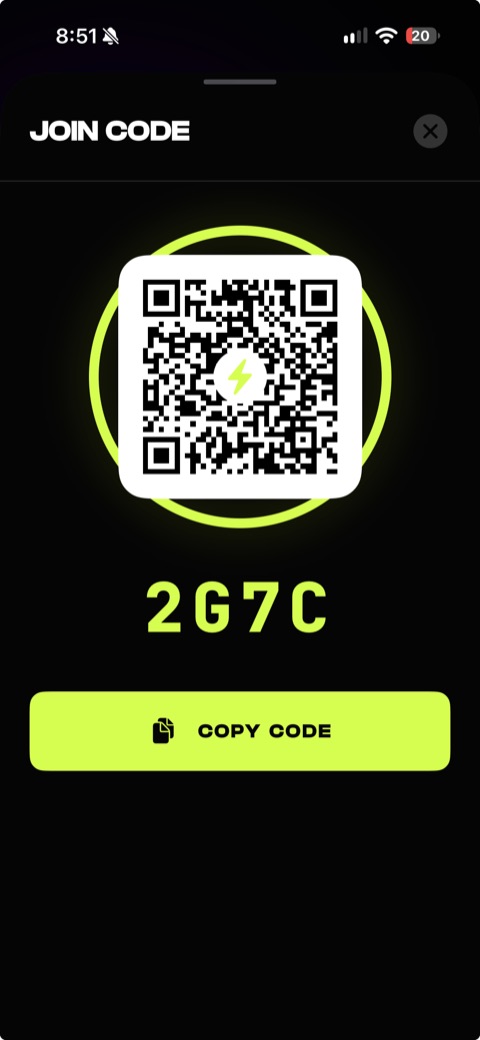
Open VibeDeck, sign in with Apple Music, and spin up a party room. You get a share code and a QR.
GUESTS_SCAN_CODE
Everyone scans the code to join instantly — no app install required to get in the room and start voting.
CROWD_VOTES
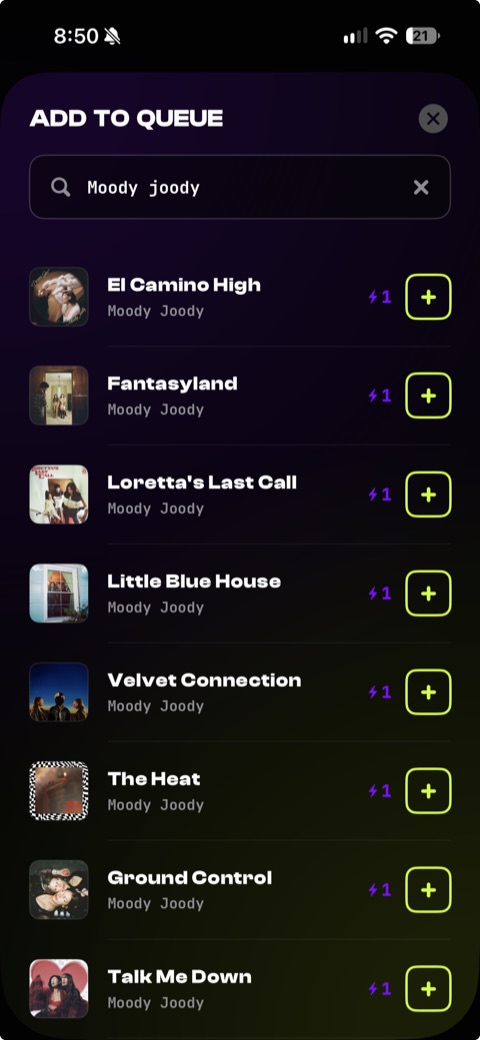
Guests add tracks and spend vibes to vote. Want a song bumped up the queue? Rally the room behind it.
QUEUE_REORDERS_LIVE
The queue re-sorts in real time as votes land. The most-wanted track always plays next. The crowd decides.
See It Running
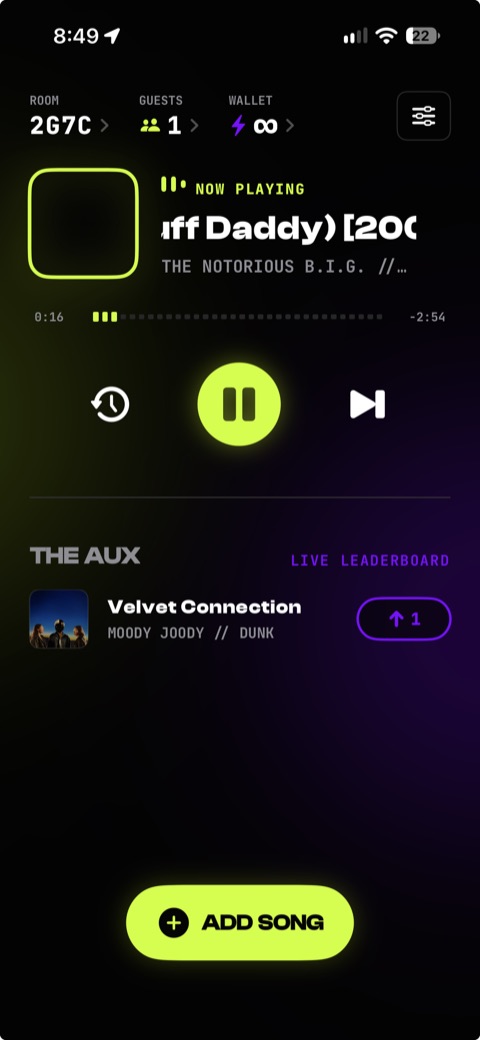
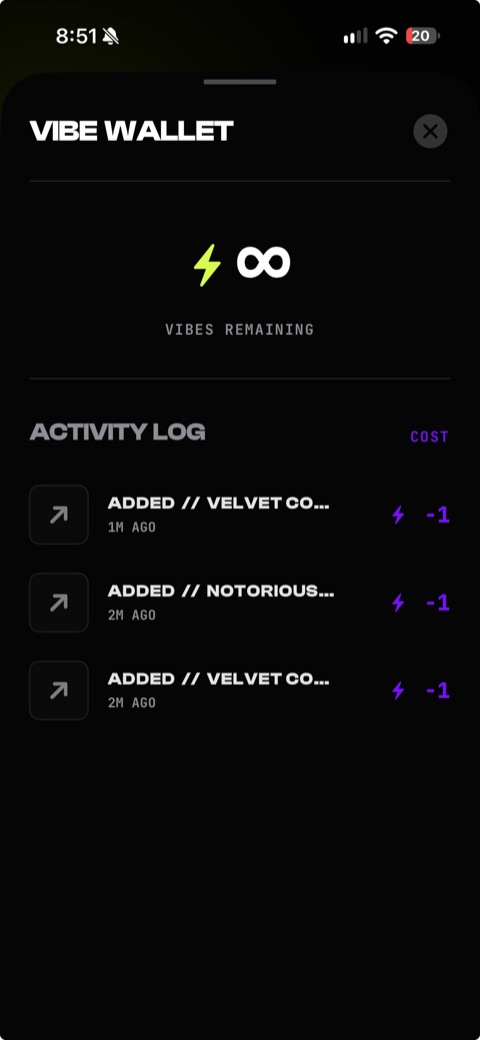
Five screens from a live party.
Built For The Party
Live Queue
Everyone sees the same queue update the moment a vote lands. No refresh, no lag — the room moves together.
The Vibe Economy
Every guest gets vibes to spend. Add a track, upvote a banger, or drop a super-vote to force a song up the line.
Apple Music
Full catalog search and real playback through the host's Apple Music. Real tracks, real sound, no clips.
Host In Control
The crowd suggests, the host commands. Play, pause, skip, and end the party stay in your hands at all times.
The Full Deck
Free is the base configuration — every party runs on it. Pro is the full system. More kit, same room.
| Feature | Free Tier | Pro Tier |
|---|---|---|
| Guests | Up to 15 | Up to 100 |
| Palettes | Standard | Three pro palettes |
| Room code | Assigned | Pick your own |
| Party uptime | 24 hours | 7 or 14 days |
// PRO MODULES PENDING. NEXT DROP INCOMING.